Workflow Automation Explained Without the Software Sales Pitch

Most explanations of workflow automation explained to business owners are either stuffed with buzzwords or quietly trying to sell you a platform. The simple version: workflow automation connects your software to handle repetitive tasks based on pre-set rules, so information moves automatically instead of relying on someone to copy, paste, forward, and remember.
That's it.
Not digital transformation. Not a robot takeover. Not some giant IT project that eats six months and a five-figure budget. It's just a practical system of rules: if this happens, then do that.
If a form gets submitted, create a contact. If an invoice gets paid, update the project status. If a proposal gets signed, kick off onboarding. The software is not making strategic decisions. It's following instructions.
That's also why so much of the marketing around this topic feels slippery. A lot of vendors want it to sound mysterious because mysterious sounds expensive and important. In real businesses, it's usually much more ordinary than that. You already have the tools. You already have the process. Automation is just the plumbing that connects the pieces.
This article strips out the jargon and gets to the mechanics. We'll look at how workflow automation actually works, what it looks like in day-to-day operations, and what it definitely is not.
The 'If This, Then That' Engine of Your Business
Every workflow automation runs on the same basic logic: a trigger and an action.
The trigger is the "if this happens" part. The action is the "then do that" part.
That's the whole engine.
A simple non-business example makes this obvious. If your smart alarm goes off, your smart plug turns on the coffee maker. Alarm is the trigger. Coffee maker switching on is the action. Nobody stands there pressing two buttons every morning. The system just follows the rule you set.
Business automation works the same way.
If a new lead fills out the contact form on your website, a few things can happen automatically: a contact gets created in your CRM, that person gets added to your email list, and your sales team gets a Slack notification. One event kicks off a chain of useful follow-up steps.

That's what people mean when they talk about workflow automation for small business. Not one giant machine running your company. Just a series of small, specific rules handling routine work in the background.
This matters because most businesses already have the software they need. They have a website form, a CRM, an email platform, accounting software, maybe a project tool, maybe Slack. The problem is those tools often sit in separate boxes. Staff end up acting as the bridge between them, manually moving information from one place to another.
That manual bridge is where time gets wasted and mistakes creep in.
Someone forgets to add the lead to the CRM. Someone types the wrong email address into the mailing list. Someone means to notify sales and gets pulled into another task. None of this is dramatic, but it adds up. A lot of operational drag comes from tiny handoffs that happen dozens of times a week.
Automation removes those handoffs by letting the tools talk to each other when given the right instructions. A connector tool like Zapier or Make often handles that translation, acting like digital glue between apps that were never designed to work together.
But the important part is not the connector. The important part is the rule.
You decide what should happen. You define the trigger. You choose the actions. The software is just carrying out orders quickly and consistently.
That's the piece people miss when they hear workflow automation explained badly. They imagine some black box running wild in the background. In practice, good automation is boring on purpose. It's predictable. It does the same thing every time. That's exactly why it's useful.
Once you understand trigger and action, the whole topic gets much less intimidating. From there, it's just a question of which repetitive tasks are worth connecting first.
What Workflow Automation Actually Looks Like in Practice
The easiest way to understand automation is to watch the sequence.
New client onboarding
A client signs your proposal in DocuSign.
That signature is the trigger.
From there, the system can create a client folder in Google Drive, generate the initial invoice in QuickBooks, and send a welcome email with a link to their project workspace in Asana. Instead of your team bouncing between four tools to do setup by hand, the core admin work happens automatically within seconds.
That saves time, obviously. If onboarding setup takes 20 minutes per client and you bring on ten clients a month, that's more than three hours of admin work gone. More importantly, it reduces setup errors. Nobody forgets the folder. Nobody misses the invoice. Nobody delays the welcome email because they got interrupted halfway through.
The client experience improves too. They sign, and things happen. Fast. It feels organized because it is.
Customer support triage
A customer submits a support ticket through your website form.
That submission is the trigger.
The workflow reads the category or keywords in the request and routes it to the right person. If the message includes "billing," it goes to finance. If it mentions a "bug" or "error," it goes to the technical team. At the same time, the customer gets an automatic reply confirming the request was received and giving them a reference number or expected response window.
This is one of the most practical uses of automation because support falls apart at the handoff point. Tickets get buried in inboxes. Someone forwards an email but forgets to copy the right person. A customer hears nothing for six hours and assumes you're ignoring them.
A basic routing workflow fixes that.
It does not solve the customer's problem by itself. It just makes sure the problem lands in the right place immediately, and that the customer gets a prompt acknowledgment. That alone cuts initial response time and sharply lowers the chance that a request disappears into a black hole.
For a small team, that's huge. You don't need a full help desk department to look responsive. You need a reliable intake process.
Sales follow-up
A lead gets tagged as "Demo Completed" in your CRM.
That tag is the trigger.
The automation starts a three-day delay. After that delay, it sends a follow-up email automatically. If the lead replies, the workflow stops. If they don't, the system creates a task for the sales rep to call them.
This is the kind of process that sounds small until you see how often it breaks. Sales reps are busy. Good leads go cold because somebody meant to follow up on Thursday and remembered on Monday. Not because the team is lazy, just because humans are bad at perfectly repeating routine tasks across a full pipeline.
Automation closes that gap.
The email goes out on time. The lead gets a consistent follow-up experience. The rep only gets pulled in when human judgment is actually useful, either because the lead replied or because it's time for a personal call.
That's the pattern across all three examples. Workflow automation explained in plain English is not about replacing the real work. It's about removing the setup work, routing work, reminder work, and status-update work that surrounds the real work.
The software handles the repeatable steps. Your team handles the parts that require context, trust, and judgment.
That division is where the value lives. You save time, reduce errors, improve response speed, and stop letting routine admin decide whether customers get a smooth experience.
Three Things Workflow Automation Is NOT
A lot of confusion clears up once you stop lumping automation in with every other tech trend.
1. It is NOT Artificial Intelligence (AI)
Automation follows rules. AI tries to interpret, generate, predict, or decide.
If you tell an automation, "When a proposal is signed, create a folder and send a welcome email," it will do exactly that. Every time. It does not think about whether the folder name could be better. It does not decide to rewrite the email in a friendlier tone. It does not learn from experience unless some separate AI tool is involved.
That's good news, not a limitation.
Most business processes don't need a machine to think. They need a machine to reliably follow instructions. Workflow automation is an instruction-follower. It's there to be consistent, not creative.
2. It is NOT custom software development
When people hear "automation," they often assume they need developers, a spec document, and a long build cycle.
Usually, they don't.
In most cases, you are not creating a brand-new application from scratch. You are configuring off-the-shelf tools to work together. Your CRM already exists. Your accounting system already exists. Your forms, inboxes, and project tools already exist. The job is to connect them in a useful sequence.
That is a very different project from custom software development.
Yes, some edge cases get technical. Yes, bigger companies sometimes need deeper integration work. But for most small and mid-sized businesses, workflow automation explained honestly means configuration, not coding. You're setting rules and connections, not inventing software.
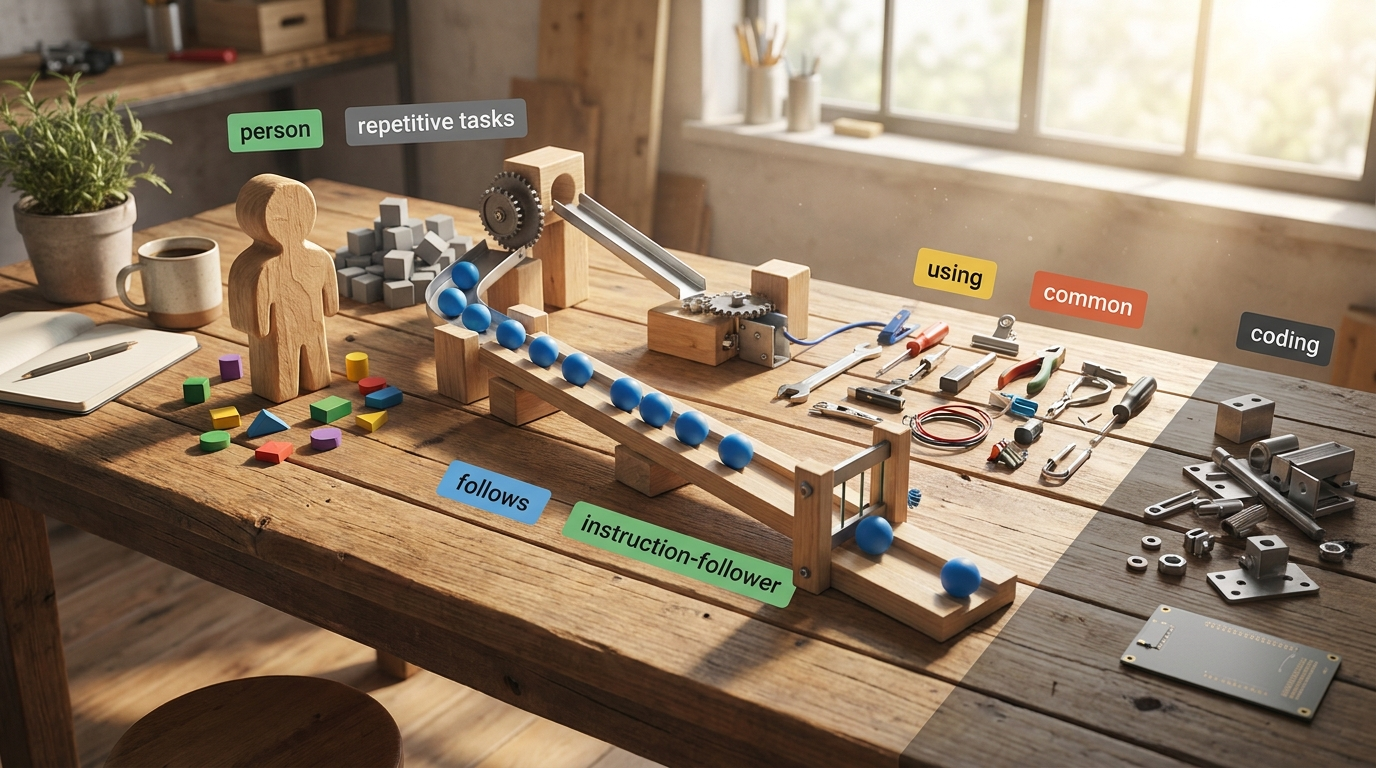
That distinction matters because it changes the cost, speed, and risk. Configuration is faster to test, easier to change, and much less painful to undo if you got the process wrong.
3. It is NOT about replacing your team
This is the fear underneath a lot of automation conversations, and it's usually based on bad framing.
Good automation replaces repetitive tasks, not useful people.
It takes the copy-paste work, the status-chasing, the reminder-sending, the file-creating, the basic routing, and the data re-entry off someone's plate. That does not make the person irrelevant. It makes them less buried in low-value admin.
In practice, companies that adopt automation often use it to scale, not shrink. When the routine work stops eating every hour, teams can handle more customers, respond faster, and spend more time on the work that actually moves the business forward. That usually supports growth. And growth tends to need more capable people, not fewer.
So no, this is not a headcount strategy disguised as efficiency. It's an operations strategy. The point is to free your team up for customer relationships, problem-solving, judgment calls, and the improvement work that software cannot do well.
That's the grounded version. No hype, no panic.
The Starting Point: You Can't Automate a Mess
Once people understand the mechanics, they usually want to jump straight into tools. That's where they get into trouble.
Automation amplifies whatever you give it. If the process is clear and sensible, automation makes it faster and more reliable. If the process is sloppy, inconsistent, or full of workarounds, automation makes the mess happen faster.
Trying to automate without a workflow map is like trying to install a new plumbing system without knowing where the existing pipes are. You're guaranteed to cause a leak.
This is why the first step is not buying software. It's mapping how work actually moves through your business right now. Not how you think it works. Not how the SOP says it works. How it really works, with all the side steps, inbox detours, spreadsheet patches, and "Sarah usually handles that" moments included.
Without that map, you're guessing.
And guessing leads to bad automation. You connect the wrong tools. You automate the wrong step. You create duplicate records, broken handoffs, and new data silos that take even more time to clean up later. The software is not the problem in that situation. The missing blueprint is.
A proper workflow audit gives you the blueprint. It shows where information starts, where it goes, who touches it, where delays happen, and which steps are repetitive enough to automate safely. It also tells you the order to tackle things, because not every process should be automated first.
If you want one useful thing to do this week, do this: pick one recurring process, like lead intake, invoicing, or onboarding, and write down every step from start to finish. Include the tools, the people, and the handoffs. That alone will show you where automation can help and where the process needs fixing first.
If you want a faster path, that's where a workflow audit comes in. It gives you the plans before you start moving pipes.